Physical Address
304 North Cardinal St.
Dorchester Center, MA 02124
Physical Address
304 North Cardinal St.
Dorchester Center, MA 02124

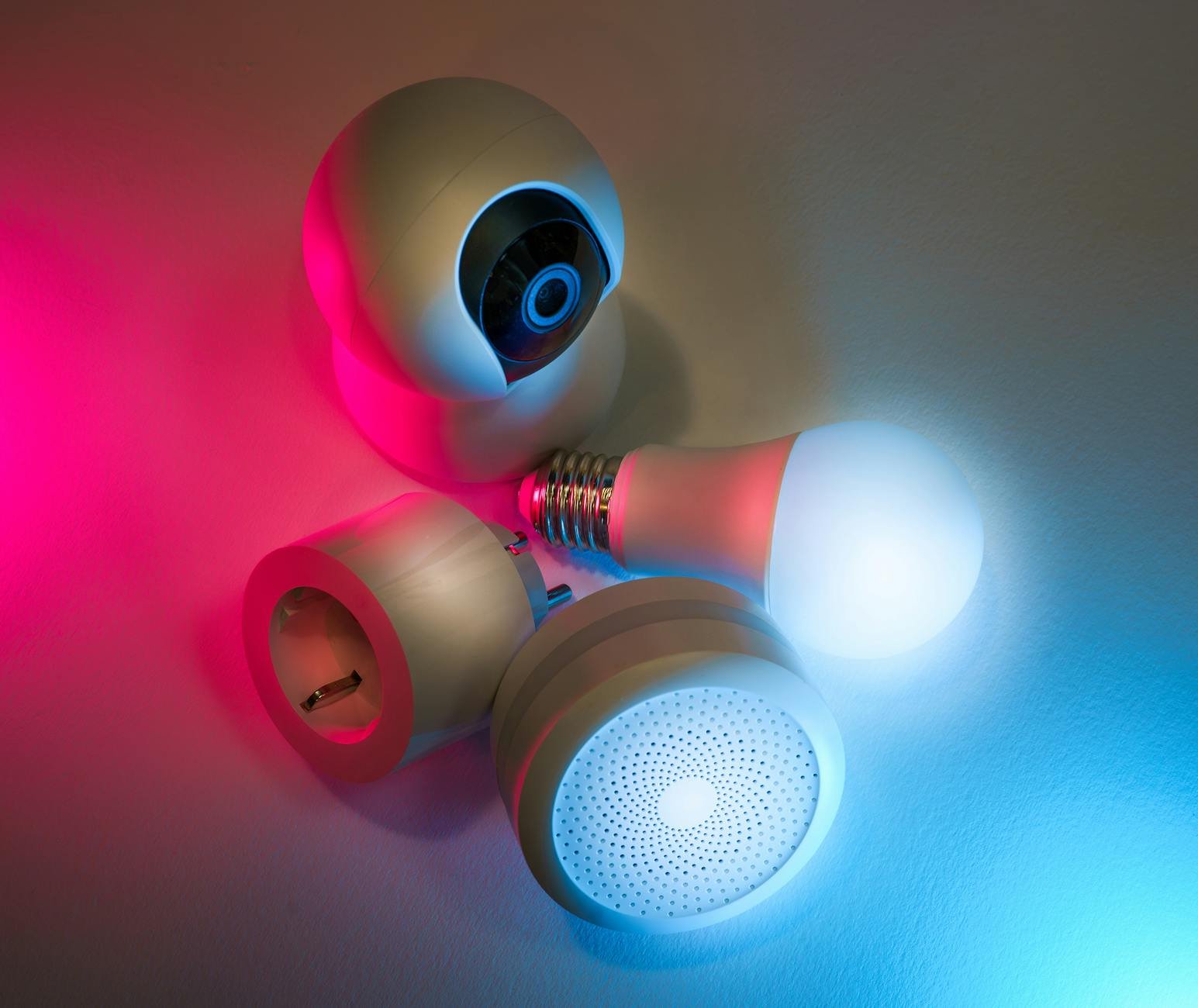
Discover my journey to a smarter home with top-notch smart home systems – convenience at your fingertips!
When I first explored smart home systems, I was overwhelmed by the sheer range of options available. From connected appliances that learned my routines to voice-activated assistants that managed my lights, the possibilities seemed endless. Over the past year, I’ve transformed my house into a responsive, efficient, and secure environment by layering devices, automations, and best practices. In this ultimate guide, I’ll walk you through each step of my journey—sharing lessons learned, practical tips, and must-have tools so you can create your own seamless smart home experience.
Before buying any gear, I mapped out what I wanted to achieve. A clear plan prevents wasted spending and compatibility headaches.
I started by listing use cases that mattered most—energy savings, hands-free control, enhanced security, or simply convenience. For example:
Next, I reviewed my existing network and wiring. Older homes may need an Ethernet backbone or a mesh router to support dozens of devices. I noted weak Wi-Fi zones and marked ideal locations for hubs and access points.
Smart home systems can range from budget-friendly bulbs to premium security suites. I divided my budget into tiers—core essentials, midrange upgrades, and splurge items—so I could prioritize purchases over time.
Choosing the right wireless standard is crucial. I compared Wi-Fi, Zigbee, and Z-Wave using this quick reference:
| Protocol | Range | Power use | Ideal for |
|---|---|---|---|
| Wi-Fi | 50–100 ft | High | Cameras, speakers |
| Zigbee | 10–20 ft | Low | Sensors, bulbs |
| Z-Wave | 30–100 ft | Low | Locks, switches |
Based on my layout, I opted for a mixed network: Wi-Fi for bandwidth-heavy devices and Zigbee for battery-powered sensors.
For a comprehensive overview of compatible gadgets, check out my smart home devices list.
Once I had a roadmap, I began selecting hardware that worked together seamlessly.
A central hub simplifies control. I chose a model that natively supports both Zigbee and Z-Wave, so I avoided juggling multiple bridges. Voice assistants like Alexa or Google Assistant integrate smoothly with these hubs, letting me use simple commands.
Upgrading major appliances can have a big impact. I replaced my thermostat with a modern smart thermostat, swapped in a Wi-Fi-enabled dishwasher, and even added a connected coffee maker I could start from bed. If you’re focused on kitchen gear, explore connected appliances to discover models that boost efficiency.
Smart bulbs and switches are among the easiest entry points. I mixed multicolor bulbs in living areas and tunable white bulbs in bedrooms. For hardwired fixtures, I installed smart dimmer switches to control groups of lights uniformly. Pairing these with motion sensors let me automate both indoor and outdoor pathways.
| Category | Entry-level cost | Key benefit |
|---|---|---|
| Smart hub | \$50–\$100 | Centralized control |
| Smart bulbs | \$10–\$40 each | Flexible lighting |
| Connected thermostat | \$100–\$250 | Energy savings |
| Smart plug | \$15–\$30 each | Device compatibility |
My mix of smart home appliances now covers everything from lighting to climate control.
With devices in hand, I tackled installation room by room. A methodical approach kept things smooth.
I began by optimizing my router settings—assigning static IPs for critical devices, enabling guest networks for visitors, and updating firmware. Then I deployed mesh nodes to eliminate dead zones.
I added hubs and bridges first, verifying they were online before integrating individual devices. Most products offer a mobile app walkthrough that auto-detects new hardware. I followed each prompt, naming devices by location (for example “Kitchen Thermostat” or “Living Room Light”) to simplify voice commands later.
After initial setup, I walked through every room, triggering motion sensors and testing switches. Calibration was key—for instance, adjusting motion sensor sensitivity prevented false triggers from passing cars outside.
For a curated roundup of reliable home automation products, I turned to user reviews and compatibility checkers before finalizing purchases.
The real magic happens when devices work together without manual input.
I mapped out routines like “Good morning,” “Away mode,” and “Movie night.” Each routine bundled multiple actions:
I used the hub’s scheduling feature to trigger these at specific times or via manual shortcuts.
Adding voice control simplified on-the-fly adjustments. By linking devices to my assistant, I could say “Hey Google, set evening mode” and watch everything shift in seconds. For a list of top voice-enabled gadgets, explore smart home devices for voice control.
My hub supports geofencing, which automates actions based on my phone’s location. When I leave a one-mile radius, the system switches to away mode. Returning home reverses those settings—lights back on and thermostat readjusted.
If you’re looking for fresh smart home automation ideas, consider combining geofencing with security alerts for a hands-off experience.
Keeping everything running smoothly requires ongoing attention.
I review device statuses daily via my hub’s dashboard—battery levels, signal strength, and recent activity logs. This proactive approach helps me spot flaky sensors before they go offline.
Manufacturers regularly release updates that fix bugs and patch vulnerabilities. I’ve enabled automatic updates wherever possible and schedule a monthly manual check for devices that require app-based upgrades.
When a device disconnects or automations misfire, I follow a simple three-step routine:
For remote oversight, I rely on a few smart home devices for remote monitoring that push push notifications whenever something goes off script.
One of my primary goals was reducing utility bills—smart home tech delivers measurable results.
By upgrading to a learning thermostat, I’ve cut heating and cooling costs by around 15 percent. I set eco-schedules and let the device fine-tune temperatures based on occupancy patterns.
Using occupancy and daylight sensors, lights turn off automatically in unoccupied rooms. I also group outdoor lighting on a sunset-to-sunrise schedule. These small tweaks add up over time.
I installed smart plugs and an energy-monitoring panel that reports real-time usage by circuit. Seeing which appliances draw the most power motivated me to replace inefficient models. If energy conservation is high on your list, check out smart home devices for energy efficiency.
A connected home demands robust safeguards to protect your privacy and data.
I created separate SSIDs for family devices and guest access. Critical devices live on a dedicated VLAN with firewall rules that restrict inbound connections.
Every hub and app is secured with a unique, complex password. I enabled two-factor authentication on accounts that support it, preventing unauthorized control of my devices.
Most hubs allow exporting configurations. I save monthly snapshots of my automations and device lists so I can restore settings quickly if hardware fails.
For specialized security tools like smart cameras and locks, browse smart home devices for security.
Even the best systems encounter hiccups. Here’s a quick-reference table to diagnose and fix typical problems:
| Symptom | Possible cause | Quick fix |
|---|---|---|
| Devices go offline | Weak Wi-Fi or signal | Move closer to mesh node or add another access point |
| Voice commands not recognized | Mic blocked or busy | Clear microphone area, reboot the assistant |
| Automations misfire | Timezone mismatch | Verify hub’s timezone, resave schedules |
| Slow response or lag | Network congestion | Limit noncritical devices, upgrade to a gigabit router |
When I hit a wall, I consult online forums and vendor FAQs. Often a firmware update or a power-cycle resolves the issue.
Transforming my home with smart home systems has been both a learning curve and a rewarding journey. By planning carefully, choosing interoperable devices, and layering automations thoughtfully, I now enjoy a living space that adapts to my lifestyle while boosting comfort, security, and efficiency. My key takeaways:
Above all, remember that every home and homeowner is different. What worked for me may need tweaks to fit your routines and living space. If you’re ready to explore top-rated gear, check out this guide to the best smart appliances for home and kick off your own transformation.




