Physical Address
304 North Cardinal St.
Dorchester Center, MA 02124
Physical Address
304 North Cardinal St.
Dorchester Center, MA 02124

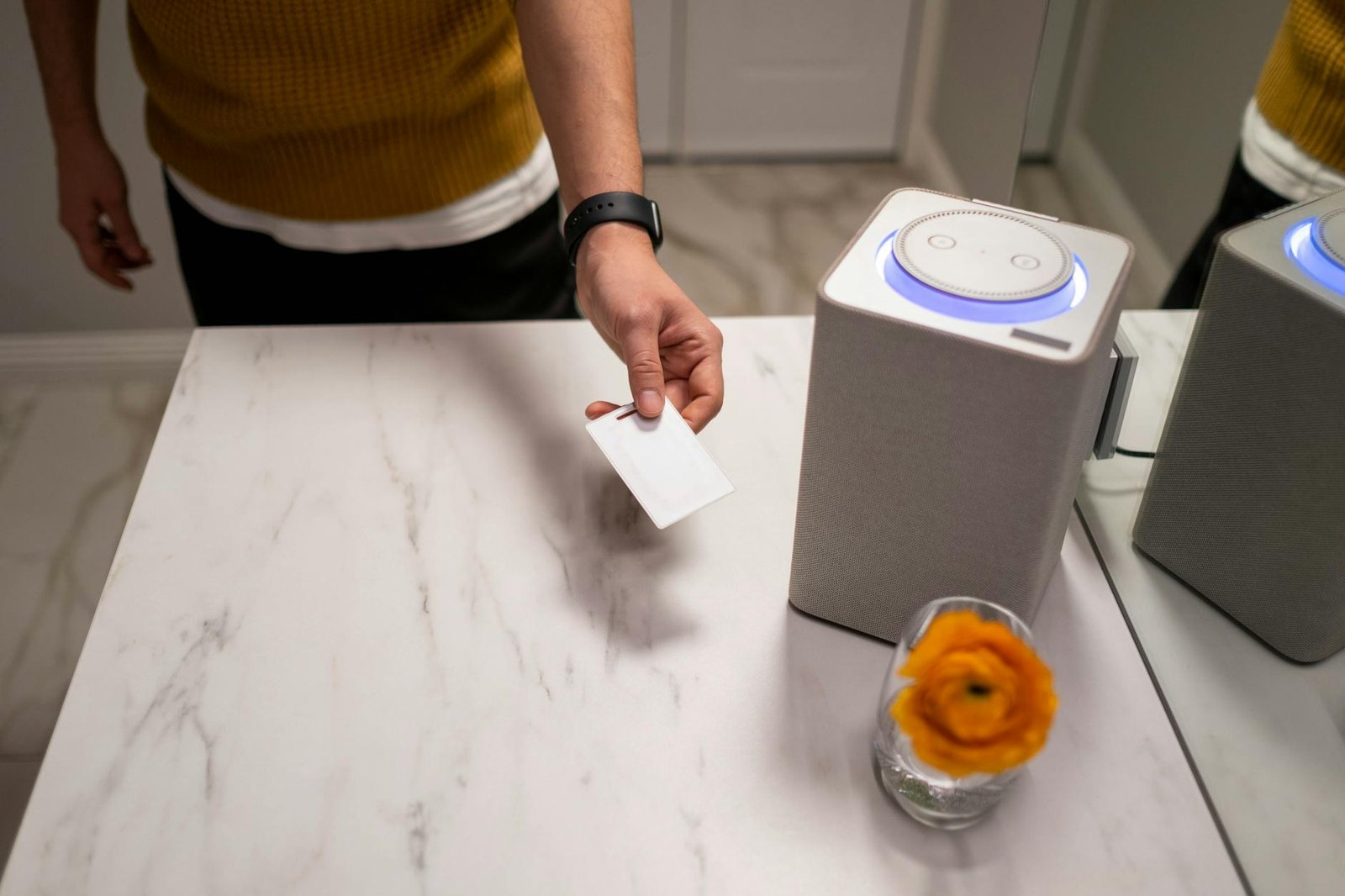
Elevate your living with innovative smart home automation ideas that redefine convenience and efficiency!
I’ve always been fascinated by how a few thoughtfully placed devices can revolutionize daily routines. When I first started exploring smart home automation ideas, I never imagined the sheer breadth of functionalities that today’s connected appliances and intelligent systems could offer. From waking up to a perfectly brewed cup of coffee to having lights dim as I settle in for movie night, these innovations have reshaped my understanding of comfort, control, and efficiency.
In this ultimate guide, I’ll share my favorite setups and configurations that blend seamlessly into any living space. After experimenting with dozens of devices and platforms, I’ve distilled the most impactful projects for real-world living. Whether you’re a tech-savvy homeowner, an eco-conscious renter, or someone who simply values convenience, you’ll find actionable insights tailored to your lifestyle.
Each section includes device suggestions, setup tips, and cost considerations so you can decide what works best for your home. Along the way, I’ll point you to my detailed smart home devices list to help you plan and expand your system. Ready to transform your space into an intuitive environment? Let’s dive in.
Automating everyday tasks isn’t just a cool party trick—it fundamentally changes how you interact with your space. I’ve found that investing in home intelligence can yield benefits that go beyond hands-free convenience.
In my experience, automating your home delivers several tangible advantages:
In addition to these direct benefits, many homeowners enjoy secondary gains—like improved property value, simplified management when renting out rooms, and data insights that optimize household routines. I’ve even used system analytics to refine chore schedules and reduce friction in daily tasks.
Furthermore, these systems scale as you grow—what starts as a single smart bulb can evolve into an integrated network that matches your lifestyle and budget.
Lighting sets the mood and shapes how you experience every room. I’ve experimented with several smart bulbs and fixtures, and here are my top picks:
Voice-activated LED bulbs from brands like Philips Hue and LIFX let you dim or change colors using simple commands. I often say, “Hey Google, set the living room to relaxing blue,” and watch the ambiance shift in seconds. You can also schedule scenes—for example, a warm white “morning mode” that gently wakes you up. If you’re curious about compatible hardware, check out the smart home devices for lighting control roundup.
For high-traffic areas like hallways and closets, motion-triggered lights are a game changer. I installed battery-powered sensors that switch on immediately when someone enters the room and turn off after a preset delay. This setup cuts energy waste and eliminates fumbles in the dark. Advanced options even adjust brightness based on the time of day or ambient light levels.
In addition to these basics, consider layering color-changing strips behind cabinets or TV frames for a subtle glow that enhances your environment without overwhelming it.
Pro tip: Use sensors near entryways to trigger different levels of brightness for safety and ambiance. I recommend using warm whites in living spaces and cool whites in workspaces to align with circadian rhythms.
Securing your home doesn’t have to mean installing a bank-style alarm system. I’ve tested a range of intelligent security tools that balance ease of use with robust protection.
Replace traditional deadbolts with keyless smart locks that you can control from your phone. I prefer models that support temporary access codes—I can grant guests entry for a few hours without sharing my main PIN. Some locks also integrate with geofencing, locking doors automatically when you leave.
Indoor and outdoor cameras provide live feeds, motion alerts, and cloud storage. My go-to units offer 1080p video, night vision, and two-way audio. You can define activity zones to minimize false triggers from passing cars or tree branches. For detailed options, explore the smart home devices for security section.
A smart doorbell adds a layer of convenience by combining motion detection with visitor reconnaissance. I rely on one that records short clips whenever it senses movement, then emails me a GIF preview. This way, I know exactly who’s at my doorstep before deciding to answer.
Furthermore, pairing your camera and locks with automated lighting routines can create a stronger deterrent against potential intruders.
Pro tip: Enable two-factor authentication on your hub account and choose devices with end-to-end encryption. You can also integrate smoke and carbon monoxide detectors for comprehensive coverage.
Energy management is one of the easiest ways I’ve found to slash utility bills. With a few strategic additions, you can create a self-regulating ecosystem that learns your habits and adapts accordingly.
Devices like the Nest Learning Thermostat and Ecobee track your temperature preferences, detect when you’re away, and adjust settings to save energy. After a week of data collection, these thermostats can reduce heating and cooling costs by up to 15 percent. I particularly like the occupancy sensors that prevent wasted climate control in empty rooms.
Plugs with built-in energy meters let you track the power consumption of individual appliances. I installed several in my home office to monitor chargers, printers, and desk lamps. The data helps me identify vampire loads—devices that draw power even when “off”—and decide whether to unplug them or switch to a power strip.
Motorized shades paired with a sunrise/sunset schedule or local weather forecast can optimize indoor temperatures naturally. On hot afternoons, the shades lower automatically to block solar heat gain, then open during cooler evenings to let in fresh air. This passive strategy reinforces what your thermostat is doing, creating a layered approach to efficiency.
For homes with solar panels or wind generators, I recommend tying your smart inverter into your energy-monitoring system. This way, you can track generation and consumption in a single dashboard and make data-driven decisions about when to consume or feed back into the grid.
For more curated options, see my list of smart home devices for energy efficiency.
The kitchen is a natural hub for automation because it already contains so many appliances. I’ve experimented with a range of connected kitchen appliances to streamline meal prep and minimize waste.
Smart plugs and outlets let you automate coffee makers, slow cookers, and even countertop grills. I schedule my coffee machine to brew at 6:30 am every weekday, ensuring a fresh cup the moment I step out of bed. Other devices, like smart sous-vide machines, offer precision cooking and can be monitored remotely via dedicated apps.
Modern refrigerators do more than keep food cold. My unit has built-in cameras that sync with my phone—whenever I’m grocery shopping, I can peek inside to see what I need. Some models also suggest recipes based on your inventory and alert you when items are nearing expiration, reducing food waste.
Integrating voice assistants into your kitchen adds hands-free convenience when your hands are full or messy. I often ask Alexa to set multiple timers, convert measurements, or read recipes aloud as I cook. For advanced meal prep, combine voice commands with custom automation workflows for ingredients and appliances.
Pro tip: Install a smart water leak sensor under sinks or near dishwashers to receive instant alerts if plumbing fails. It’s a small investment that can prevent major damage.
Cleaning chores are prime candidates for automation. I’ve tested several robotic solutions that free up time for more enjoyable pursuits.
Autonomous vacuums navigate around furniture, stairs, and rugs to keep floors spotless. My preferred model maps multiple rooms, returns to its base for self-charging, and reschedules cleanings if someone moves the docking station. Some even empty their dustbins automatically, saving me from handling dust after every run.
Paired with your robot vacuum, a self-emptying bin means you only deal with debris once every few weeks instead of daily. I found this combination particularly useful in high-traffic areas like entryways and living rooms, as the vacuum docks and empties without any manual intervention.
Automated washers and dryers now offer app-based cycles, load weight detection, and notifications when cycles finish. I group my laundry by fabric type and have my machine automatically select the optimal water level and spin speed. When a cycle ends, I get an alert on my phone ensuring nothing sits damp for too long.
In addition to floors and laundry, I’ve also tried robotic window cleaners and integrated air quality monitors that trigger ventilation or air purifiers automatically. Some advanced models even run UV sterilization cycles to reduce allergens and pathogens.
For a full breakdown of gear, see smart home devices for cleaning.
Automation can turn your living room into an immersive entertainment hub. I’ve fine-tuned several setups that blend audio, video, and lighting into a single seamless experience.
Wireless speakers from Sonos, Bose, and Apple let me stream music in any room or group zones for synchronized playback. I command my system hands-free—“Hey Siri, play jazz in the dining room”—and the correct speakers fire up. This flexibility elevates everything from casual background music to high-fidelity listening sessions.
Integrating streaming sticks or built-in smart platforms adds voice control, personalized recommendations, and universal search functions. My media center ties into voice assistants so I can power it on, adjust volume, or switch inputs with a single command.
Color-changing LED strips that sync to on-screen action intensify immersion. I’ve seen these setups boost engagement during movies and gaming, as the room’s hue shifts in real time. Some solutions work over Wi-Fi, while others rely on HDMI sync boxes—both deliver a dynamic effect that you have to experience to believe.
You can also automate gaming modes—dimming lights, tuning sound profiles, and switching TV inputs with a single voice command. This approach makes it effortless to jump from work to play.
For more entertainment-focused recommendations, explore smart home devices for entertainment.
Your home’s curb appeal and functionality extend beyond its walls. I’ve set up several outdoor automation projects that blend safety, convenience, and sustainability.
Connected irrigation controllers let you program watering schedules based on local weather forecasts and soil moisture sensors. I’ve saved weeks of manual adjustments and cut water usage by up to 30 percent by letting the system skip cycles on rainy days.
Pathway and landscape lights that power on at dusk and off at dawn enhance security and aesthetic appeal. My favorite fixtures support motion-triggered brightness boosts, so driveways light up when I pull into the garage.
Outdoor shades, awnings, and roofs that retract automatically in high winds or storms protect your investment and ensure safety. Some systems connect to local weather services, so you don’t have to worry about unexpected gusts or rain.
Smart pet feeders and weather-responsive pet doors can cater to your pet’s routine without manual intervention, ensuring your furry friends are fed and safe even when you’re away.
For hardware options and installation tips, check out smart home devices for outdoor living.
Connecting individual devices into a cohesive network ensures everything works in harmony. I learned that choosing the right hub and maintaining compatibility are critical to a seamless smart home.
A central hub bridges various devices and protocols—Zigbee, Z-Wave, Wi-Fi, and Bluetooth. Popular options include:
| Hub platform | Protocol support | Voice assistant | Price range |
|---|---|---|---|
| Amazon Echo | Wi-Fi, Zigbee | Alexa | $50–$150 |
| Google Nest Hub | Wi-Fi, Thread | Google Assistant | $80–$100 |
| Apple HomePod mini | Wi-Fi, Thread | Siri | $100–$130 |
| Samsung SmartThings | Zigbee, Z-Wave, Wi-Fi | Bixby, Alexa | $80–$130 |
In my setup, I opted for SmartThings because it supports the widest range of iot appliances for home and integrates with third-party services.
Before adding a new device, I always verify:
This simple list prevents headaches and repeated reconfiguration.
Your smart ecosystem depends on a robust network. I recommend:
By treating security as a top priority, you minimize vulnerabilities and keep your digital sanctuary safe.
Technology evolves rapidly, and you don’t want your smart home to become obsolete. I’ve found a few strategies to keep my setup adaptable and secure over the long haul.
Manufacturers release firmware patches to add features and close security loopholes. I schedule monthly checks in each device’s app or automate updates where possible. Outdated firmware is the most common entry point for hackers, so don’t delay.
Avoid vendor lock-in by choosing devices that adhere to open standards. I favor platforms that support multiple brands and offer smart home automation devices from different vendors. This approach makes it easy to swap out or upgrade components individually without overhauling the entire system.
Data collection is a trade-off for convenience. I review privacy policies for each device and disable settings that send unnecessary usage data. If a device lacks basic privacy controls, I weigh whether the benefits justify the potential risks.
In addition, consider segmenting your network using VLANs or a guest network to isolate smart devices from your personal data.
Emerging standards like Matter promise greater interoperability across brands. I’m planning to transition my core components to devices that support this protocol, which should simplify future integration and reduce compatibility headaches.
I’ve walked you through a variety of automation ideas—from lighting and security to kitchen hacks and outdoor enhancements—that can take your home from ordinary to extraordinary. As you begin your smart home journey, remember that the best configurations are the ones that align with your routines and priorities.
I recommend starting small: pick one area, like lighting or energy management, and experiment with a couple of devices. Document your learnings, then expand into adjacent domains. Keep compatibility, security, and privacy at the forefront of your decisions, and you’ll build a responsive ecosystem that scales over time.
Finally, leverage resources like my home automation products catalog whenever you need inspiration or deeper technical insight. Automation should feel fun and empowering, not overwhelming. With the right strategy and a bit of tinkering, you’ll craft a living space that anticipates your needs and adapts to your lifestyle. Happy automating!




