Physical Address
304 North Cardinal St.
Dorchester Center, MA 02124
Physical Address
304 North Cardinal St.
Dorchester Center, MA 02124

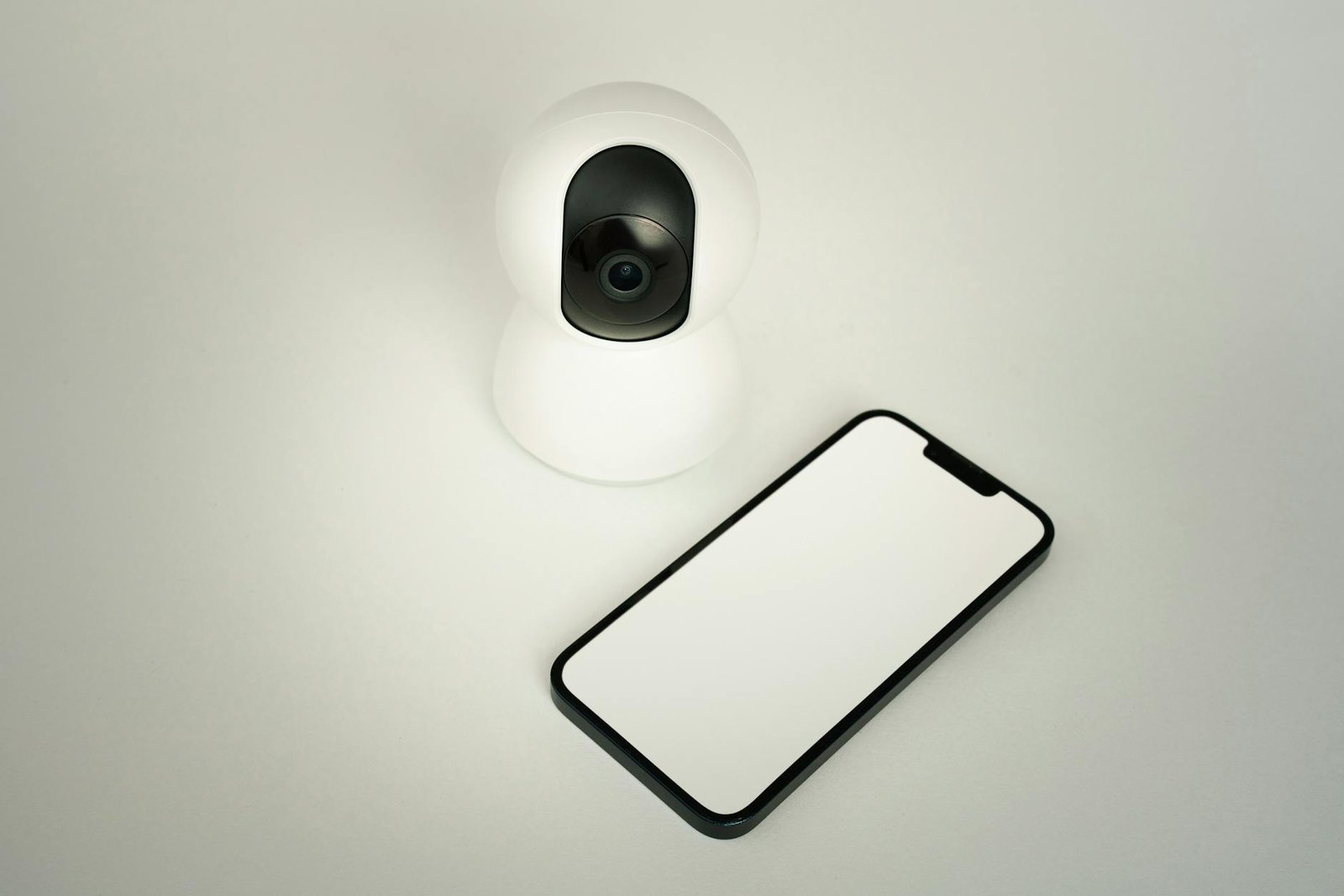
Discover how smart home devices for remote monitoring are my secret to sanity – stay connected, stay smart, stay sane!
When I first started exploring smart home devices for remote monitoring, I was skeptical that a few sensors and cameras could truly ease my daily stress. However, after integrating an entire ecosystem of smart home systems in my house, I realized how powerful these gadgets can be in helping me keep an eye on what matters most. Whether I’m at work, on vacation, or simply in another room, I can instantly check motion alerts, temperature changes, or water leaks without breaking a sweat.
In this ultimate guide I’ll share my first-person experience—what worked, what didn’t, and how I fine-tuned my setup so that it feels like a silent partner in my day-to-day life. You’ll learn about different device categories, step-by-step setup tips, privacy considerations, cost vs savings, troubleshooting tricks, and more. By the end, you’ll have a clear roadmap for maintaining your sanity while staying connected to your home 24/7.
Remote monitoring lets you observe and control home conditions from any location via internet-connected sensors and cameras. These devices capture data—motion, temperature, humidity, water presence—and push updates to your smartphone or desktop. In practice, that means I can launch an app and see a live feed of my front door camera, receive a text if the basement humidity spikes, or even shut off the garage lights before heading to bed.
I’ve found that constant low-level anxiety about “what if something happens at home” erodes my focus. Since adding remote monitoring gadgets, I’ve reclaimed mental space. Here’s what I gained:
Based on my experience, a well-designed monitoring setup becomes an invisible safety net, balancing proactive oversight with minimal daily fuss.
These are my go-to for real-time security checks. Indoor and outdoor cameras with motion detection stream HD video to my phone. Door/window sensors alert me if an entry point opens unexpectedly. I’ve paired two outdoor cams with a smart floodlight so I get both visuals and lighting if someone approaches.
Humidity sensors and air-quality detectors keep tabs on conditions that can lead to mold or allergens. Whenever my basement humidity climbs above 60 percent, I get a push notification and can turn on the dehumidifier remotely. Likewise, an indoor air monitor flagged a CO level spike last winter, prompting me to service my furnace.
Smart plugs and energy-monitoring outlets let me track power draw per device. I’ve identified phantom loads—like my gaming PC’s charger—saving about $10 monthly by shutting them off when idle. On a larger scale, a connected thermostat learns my routine and adjusts temperatures automatically.
From smart water leak detectors under the washing machine to fridge-temperature sensors, these tools catch small issues before they become disasters. A leak sensor beeped on my phone when a loose valve dripped overnight, allowing me to shut the main valve before damage spread.
I began with a central hub that bridges Zigbee, Z-Wave, and Wi-Fi devices—this simplified pairing and rule creation. When evaluating hubs, I looked for:
I followed manufacturer guidelines for mounting height, orientation, and range. For example:
Rather than overwhelm myself, I grouped alerts by priority:
Custom schedules and “do not disturb” windows prevent unnecessary pings during work hours or overnight.
By methodically planning placement and notification rules, I achieved reliable coverage without notification fatigue.
I set up geofencing so my monitoring system “knows” when I’m home or away. Exiting a 500-foot radius triggers away-mode automations—arming cameras, lowering the thermostat, and shutting off smart plugs. Returning home reverses those actions automatically.
Morning routine automation turns on lights, brews coffee via my connected coffeemaker, and raises the thermostat to a comfortable level. I’ve chained these actions in the app’s routine builder so a single tap or voice command handles multiple tasks without manual juggling.
Push notifications keep me informed of immediate concerns—like a sudden temperature drop indicating an open window. Less urgent data, such as daily energy reports, land in a summary email each evening. Splitting urgent and summary communications preserves my focus while letting me stay fully aware.
These features free me from micromanaging individual gadgets and let me enjoy a seamless, stress-free home environment.
I placed all IoT devices on a separate VLAN with guest-network access, isolating them from my work computers. A strong, unique password and WPA3 encryption on my router protect against unauthorized access.
Where possible, I chose devices supporting end-to-end encryption so video and sensor data remain private even in transit. Cloud recordings are stored on providers with zero-knowledge policies, and I regularly audit storage permissions.
I enable auto-updates when available and check monthly for any overdue patches. Keeping device firmware current thwarts emerging vulnerabilities and ensures compatibility with my hub and mobile app.
By treating security as an ongoing process rather than a one-time setup, I maintain confidence that my monitoring system won’t become a weak link.
Every quarter I run a quick system check:
When adding new gadgets, I cross-reference my requirements against a comprehensive smart home devices list to ensure compatibility and avoid protocol conflicts.
Routine maintenance prevents small glitches from becoming major headaches and keeps my monitoring network humming smoothly.
Quality cameras, sensors, and a hub can total $300–$600 initially. In my case, identifying energy hogs and water leaks recouped about $150 in the first six months.
Some services charge monthly fees for cloud storage or AI-driven analytics. I balanced cost against value: I pay $5 per month for unlimited video history, which I deem worthwhile for peace of mind.
Over time, the system pays for itself both in direct savings and in intangible stress reduction.
I prioritize gadgets certified for major ecosystems (Matter, Alexa, Google Home) to avoid vendor lock-in. This ensures I can mix and match components without losing functionality.
Devices with cluttered or inconsistent interfaces quickly end up unused. I test apps for clear layouts, reliable notifications, and straightforward routine builders before committing.
My ideal products let me add up to 50 devices per hub, with room to expand into iot appliances for home like smart blinds or lawn-watering systems when I’m ready.
By vetting compatibility, app design, and headroom for growth, I protect my investment and avoid painful rip-and-replace scenarios.
Throughout this journey I’ve discovered that a well-architected remote monitoring network does more than protect my home—it liberates my mind. I no longer jump at every creak in the night or obsess over the thermostat settings while I’m away. Instead, I trust in automated routines and real-time alerts, dedicating my attention to family, work, and relaxation rather than minor household worries.
I recommend starting small—pick one high-impact category, such as security cameras or leak detectors—and build from there. As you layer on additional sensors, you’ll fine-tune alerts and automations until the system feels like a natural extension of your daily life.
Ultimately, smart home devices for remote monitoring deliver robust oversight and genuine tranquility. With the right planning, setup, and maintenance, you’ll enjoy a safer, more efficient, and decidedly saner living space.




