Physical Address
304 North Cardinal St.
Dorchester Center, MA 02124
Physical Address
304 North Cardinal St.
Dorchester Center, MA 02124

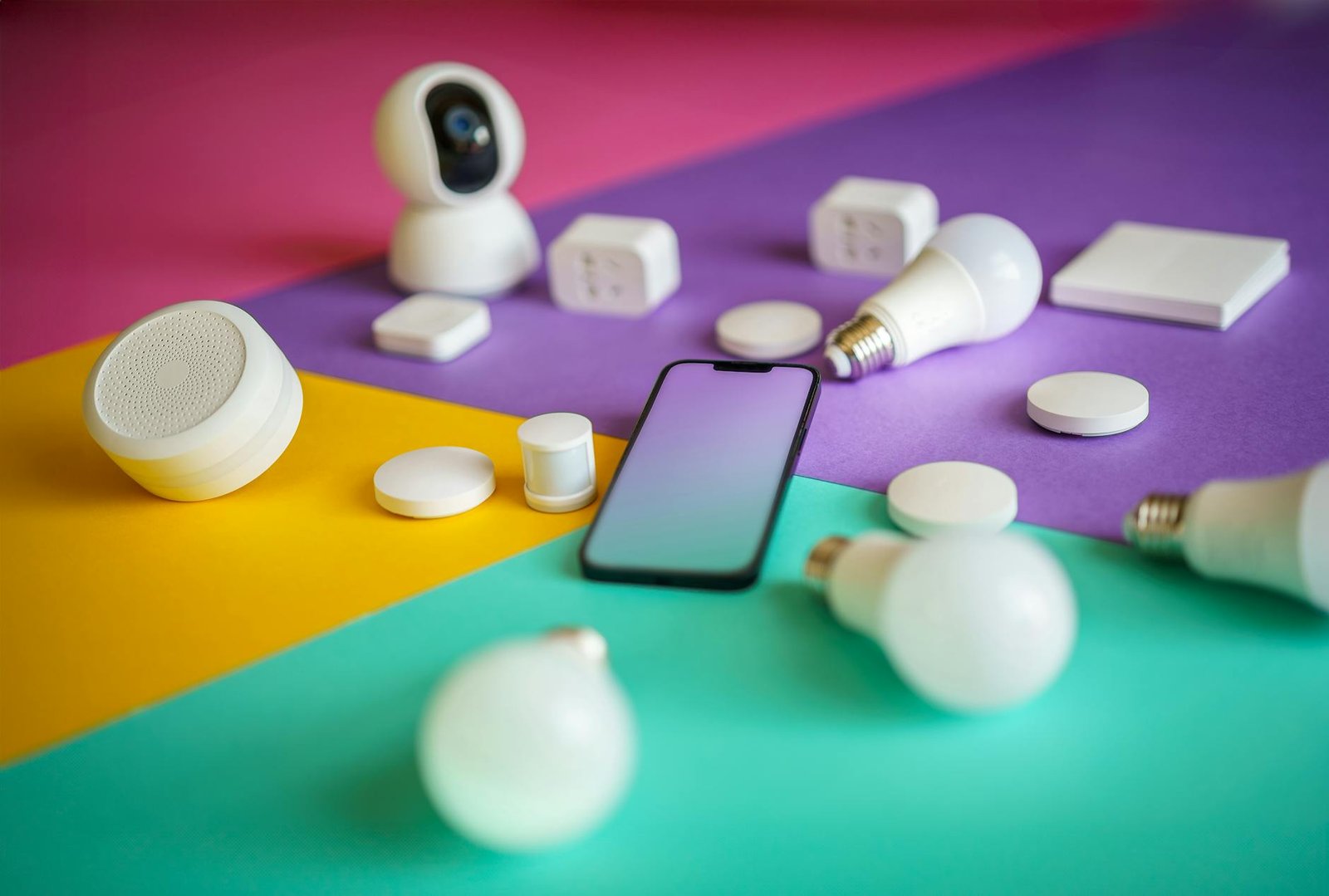
Revolutionize your yard with smart home devices for outdoor living. Dive into my journey of tech-savvy transformation!
When I first turned my attention to my backyard, I saw an underused space begging for an upgrade. I’d outfitted my living room with the latest connected home gadgets and cozy lighting, but the yard remained a blank canvas. That’s when I started researching smart home devices for outdoor living and discovered how easily I could transform grass and gravel into an automated oasis.
Over the course of several weekends, I mapped out zones, tested network extensions, and installed everything from weatherproof bulbs to Wi-powered speakers. Along the way I learned a few lessons about choosing reliable gear, integrating different platforms, and maximizing energy efficiency. In this ultimate guide, I’ll walk you through each step of my journey so you can create your own connected retreat—whether you’re an early adopter or a homeowner seeking a functional, fun outdoor setup.
Before buying any gadgets, I outlined what I wanted from my space. Do I need ambient lighting for evening gatherings, automated watering for plants, or security cameras to monitor pets? Defining clear objectives helped me avoid impulse purchases and stay within budget.
I surveyed my yard’s size, location of power outlets, and current Wi-Fi reach. In my case, the southern corner lacked coverage and needed an extender, while the patio already had easy access to an outlet for string lights.
I allocated about $1,500 for hardware and aimed to finish installation in four weekends. Breaking the project into phases—lighting first, then irrigation, then entertainment—kept things manageable and allowed me to tweak earlier stages before moving on.
A robust network is the backbone of any outdoor automation. Without reliable connectivity, devices drop offline and routines fail. I weighed mesh systems against standalone extenders and settled on a mesh router with an outdoor access point.
Outdoor signal strength affects device responsiveness and streaming quality. I ran a site survey with a smartphone app to identify weak spots.
| feature | mesh system | extender |
|---|---|---|
| coverage | seamless, broad | spot coverage |
| speed retention | minimal degradation | moderate drop |
| setup complexity | moderate | easy |
| typical cost | $200–$400 | $50–$100 |
In my tests, the mesh system maintained 90% of indoor speeds outdoors, whereas the extender dipped to 60%.
I created a separate SSID for outdoor devices and enabled WPA3 encryption. This prevented guest traffic from interfering with my core network.
With a network in place, I moved to hardware selection. I grouped devices into categories—lighting, irrigation, security, and entertainment—to streamline compatibility checks.
Outdoor lights set the mood and extend usable hours. I chose Philips Hue outdoor spotlights and path lights linked to my smart home devices for lighting control hub. Their color-tuning and scheduling features made it easy to transition from bright work lights to soft evening glows.
Keeping plants healthy without manual watering led me to the Rachio Smart Sprinkler Controller. Integration with local weather forecasts prevented overwatering. I paired it with soil moisture sensors so sprinklers only activated when needed—saving water and time.
To enjoy background music, I installed weather-resistant Sonos Move speakers. They synced with my indoor Sonos network, letting me group zones for backyard dance parties or quiet patio radio.
For security and pet monitoring, I opted for Nest Cam Outdoor. The motion-activated alerts and cloud storage gave me confidence that I’d never miss a curious fox or an unexpected visitor.
Installation often proved more involved than I anticipated. Proper mounting, cable management, and software pairing are critical for a clean, reliable system.
I used exterior-rated screws and anchors for lights and cameras, ensuring they faced optimal angles. For irrigation sensors, I buried wiring in shallow trenches to protect against mowers and foot traffic.
Most devices used Bluetooth or Wi-Fi for initial pairing. I followed manufacturers’ instructions step by step, assigning clear names (eg “Patio Light Left”) to avoid confusion when building automation routines.
With each device online, I created scenes and routines using a central hub. I chose Home Assistant running on a Raspberry Pi for its flexibility, but you could use any home automation products platform you prefer.
I linked devices to my voice assistant so I could say “Hey Google, start party mode” or “Alexa, water the roses.”
Time-based triggers handled most tasks, but I also used geofencing. When my phone left the house, lights and speakers shut off automatically.
Because many gadgets draw power around the clock, efficiency became a priority. I explored solar add-ons and low-power modes to cut down on electricity and utility bills.
I mounted small solar panels on the shed roof to keep wireless sensors and cameras charged. During sunny days, they needed minimal supplemental power.
Using smart plugs, I programmed noncritical devices (like speakers) to shut off after midnight. This reduced standby consumption by about 15% each month.
A dedicated energy monitor on my outdoor circuit provided real-time data. I reviewed weekly reports to spot spikes and adjust schedules accordingly. For more strategies, see smart home devices for energy efficiency.
Beyond convenience, security was a major driver. I layered cameras, motion detectors, and smart locks to discourage intruders and keep my pets safe.
Multiple camera angles covered entry points and the garden perimeter. I set up person-only alerts to avoid nuisance notifications from passing wildlife.
Wireless PIR sensors attached to fence posts triggered outdoor floodlights from my smart home systems hub. A siren feature discouraged trespassers when I was away.
Through the mobile app, I can check live feeds, review recorded clips, and share temporary access with family or trusted neighbors.
Comfort features make the yard more inviting year-round, whether you’re hosting friends or enjoying a quiet morning coffee.
I installed a Wi-Fi patio heater with app-controlled temperature settings. On cooler evenings, it warmed the seating area to a preset 68°F. In summer, a smart oscillating fan kept air moving.
In addition to Sonos Move, I placed discreet in-ground speakers around garden beds for balanced sound. Ambient audio profiles shift from mellow morning tunes to upbeat evening playlists.
For al fresco cooking, I added a Bluetooth-enabled grill thermometer that notifies me when steaks reach the perfect temperature. My friends love that I can wander back inside without risking overcooked food.
A reliable system requires ongoing care and occasional troubleshooting to prevent downtime.
I scheduled monthly checks for firmware updates across all devices. For my Home Assistant server, I created automated backups stored in the cloud.
Every quarter, I inspect mounts, clear debris from solar panels, and test battery health in wireless sensors.
As technology evolves, so does the potential of an automated yard. Here are a few ideas I’m excited to try next.
Adding more iot appliances for home, like smart bird feeders and weather stations, can deepen insights into your outdoor environment.
I plan to experiment with robotic mowers that return to charging stations and UV-resistant smart shades that deploy automatically on sunny days.
With a solid foundation in place, you can continually refine routines, add fresh gadgets, and keep your outdoor space both efficient and delightful. My yard transformation started as a simple lighting upgrade and evolved into a fully automated retreat—yours can do the same. Enjoy the process, adapt to new technologies, and make every square foot of your property smarter and more inviting.




