Physical Address
304 North Cardinal St.
Dorchester Center, MA 02124
Physical Address
304 North Cardinal St.
Dorchester Center, MA 02124

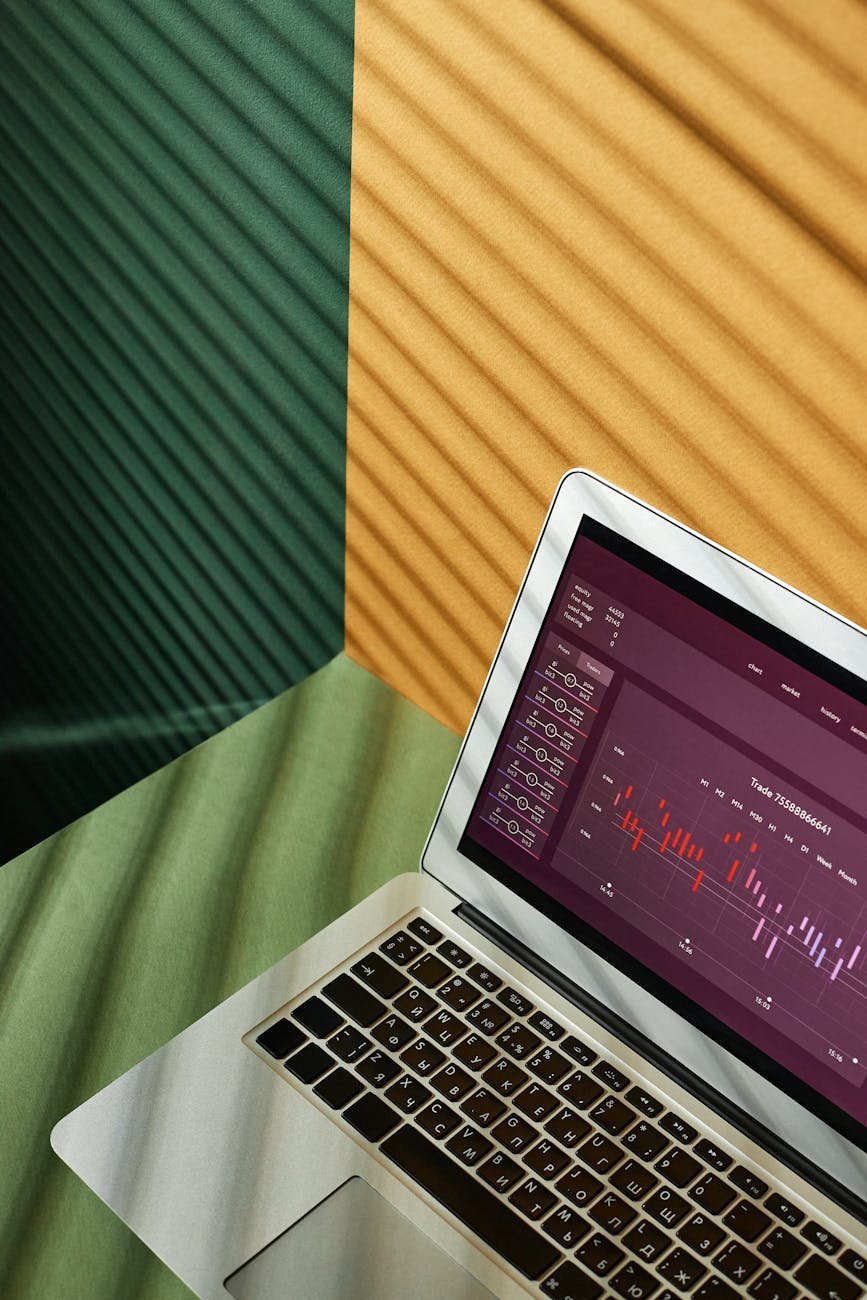
Discover game-changing office equipment trends to revolutionize your workspace and boost productivity!
Ever feel like you’re a bit behind when it comes to office equipment trends? Trust me, I’ve been there… Scouring specs sheets, juggling compatibility questions, and wondering if that hefty price tag really pays off in productivity. So here’s the thing, I dug into the latest developments in printers, scanners, projectors, and more to uncover the must-have gear I wish I’d known about sooner. Whether you’re freelancing from your home office, running a small business, or managing a busy team, these insights can help you pick durable, connected, cost-effective tools that make each day smoother. I get it—investing in the right devices feels daunting. But you’re not alone on this journey. Let’s explore our options together.
When you fall behind on the latest office equipment trends, you risk missed opportunities to boost productivity and cut costs. Over time, outdated printers jam more often, projectors lose brightness, and scanners slow down. I remember thinking my decade-old laser printer was “just fine” until I nearly missed an urgent client proposal because of a paper jam. That was a wake-up call.
Here’s a thought: investing in modern office gear isn’t just about shiny new toys. It’s about reliable performance, seamless team collaboration, and lower operating expenses. Over the long run, a smooth workflow translates into happier clients and less stress for all of us. That being said, staying informed is half the battle. Let’s dive into the key trends that really move the needle.
Gone are the days of tangled USB cables and printer queues tied to a single workstation. Today’s wireless printers and scanners let you hit “print” from your laptop, tablet, or phone—no drivers required. I’ve found this especially handy when I’m working on the go or collaborating with remote teammates.
Benefits of wireless devices:
If you need to test before buying, consider office equipment rental. It’s a low-risk way to see how wireless gear fits your space and workflow before making a commitment.
All-in-one machines are no longer clunky compromises. Today’s multifunction devices (MFDs) combine printing, scanning, copying, and sometimes faxing into sleek units that save both space and energy. I swapped my separate devices for a single MFD last year, and it freed up a whole shelf—game changer.
Here’s a quick comparison:
| Device type | Pros | Cons |
|---|---|---|
| All-in-one MFD | Space-saving, consolidated upkeep | Higher upfront cost |
| Single-function device | Lower initial price | Requires multiple units |
That being said, weigh your volume requirements. If you print thousands of pages monthly, you might still need high-speed single-purpose printers alongside the MFD. Don’t forget to factor in office equipment maintenance, since a single hiccup can halt multiple functions at once.
I’ll admit, it felt a bit overwhelming to navigate eco-buzzwords at first. But opting for energy-star certified printers or refillable ink-tank models can cut your environmental impact—and your power and supply expenses. We’ve all been there, staring at ink cartridges that run dry within weeks.
Here are a few green picks:
For sustainable supplies, check out industrial office supplies that prioritize recycled paper and low-VOC toners. Little changes add up, and your wallet and Mother Earth will thank you.
Remember fumbling with cables and adapters before a big pitch? Portable projectors and wireless presenters have come a long way. Now you can slip a mini projector into your bag, beam a crisp image onto any blank wall, and control slides with a simple clicker.
Key features to look for:
I once demoed a client’s proposal at a coffee shop, projector in hand. It was seamless, and that level of flexibility left a lasting impression. Tip: Pair your setup with essential office gadgets like cable organizers and protective cases.
Office equipment trends aren’t limited to the big-ticket items. Smart accessories like digital whiteboards, IoT-enabled desk lamps, and voice-activated assistants can transform your workspace into a dynamic, collaborative hub.
Examples I love:
If you’re aiming for a fully integrated setup, lean on office technology solutions providers who can tailor hardware ecosystems to your team’s needs. Trust me, small upgrades can spark big productivity shifts.
Automation isn’t sci-fi—it’s here, and it’s making everyday office tasks less tedious. Automated document feeders on scanners, AI-driven scheduling devices, and robotic process automation software can handle repetitive chores so we can focus on high-impact work.
Common automation tools:
We’ve all been there, manually renaming hundreds of scanned files. Automation cut that task from hours to minutes in my office. And if you’re diving deep, consider professional office electronics that integrate directly with your CRM or project management suite.
Finding reliable vendors early can save you headaches down the road. I’ve learned to vet suppliers based on support offerings, warranty terms, and user reviews. Here are a few tips:
Buddying up with a vendor who understands your workflow means faster response times when you need maintenance or upgrades. And remember, a great relationship with a supplier often translates into better pricing and priority service.
Keeping up with office equipment trends can feel like sprinting through a tech conference, but it doesn’t have to be overwhelming. Start small—pick one area to upgrade, test it out, and gauge the impact on your daily routine. Over time, you’ll build a toolkit that’s tailored to your productivity style, and those little wins will add up to big gains. I totally understand how it feels to juggle choice paralysis, but remember, we’re in this together. Pick one trend to explore first, give yourself permission to learn as you go, and watch your workspace transform. You’ve got this—you’re already one step ahead by reading these insights.
