Physical Address
304 North Cardinal St.
Dorchester Center, MA 02124
Physical Address
304 North Cardinal St.
Dorchester Center, MA 02124

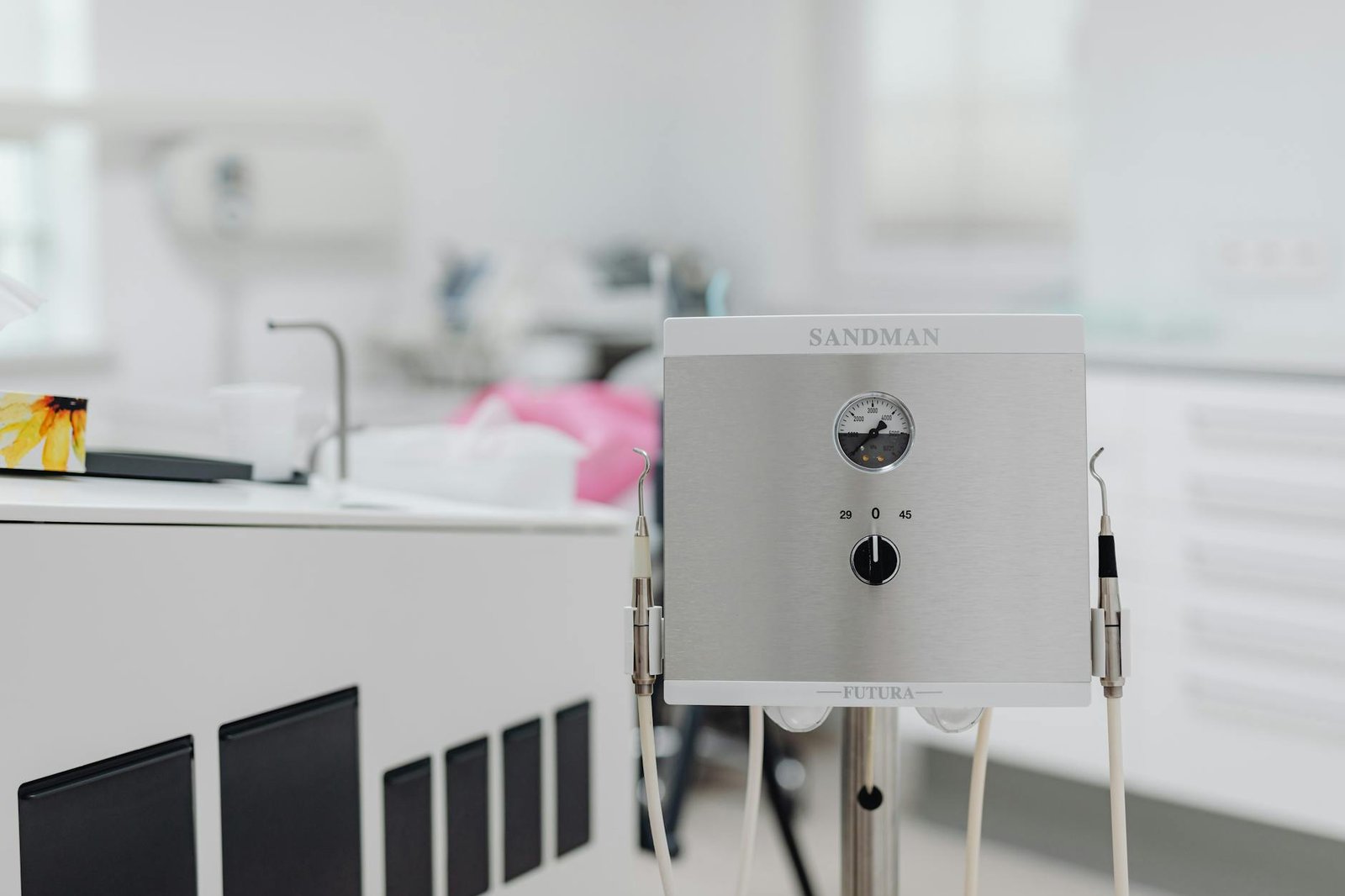
Discover how I ensure office equipment safety for peace of mind. Simple steps for a seamless work environment!
I’ve spent years juggling printers, scanners, projectors, and all the cords that come with them—so trust me, I know how easy it is to overlook one little spark or trip hazard. Office equipment safety isn’t just about keeping your devices running smoothly, it’s about protecting your workspace, your team, and your peace of mind. In this post, I’ll walk you through the simple steps I take every day to keep electrical hazards at bay, stay organized, and handle emergencies like a pro.
Let’s dive in—no jargon, no stress, just friendly advice from someone who’s been there.
Before anything else, I take a quick tour of my power sources. That means scanning for loose plugs, damaged cords, or overloaded outlets.
Here’s a thought, if you spot a cord with bare wires or a melted plug, unplug it immediately. I once ignored a tiny spark under my desk—it turned into a full outlet meltdown that cost me a morning’s work and a repair bill. You’re not alone if you’ve been there; I totally get how easy it is to push it off.
Overloading a circuit is like asking for trouble. To keep things safe:
That being said, if you’re renting or leasing equipment, double-check with your office equipment rental or office equipment leasing provider about power requirements.
I’m all for a DIY vibe, but my desk used to look like a spaghetti junction. Then I discovered how much calmer a few simple cable tricks can make me feel.
If you juggle gear from multiple brands, it’s amazing how much time you save by not hunting for the right connector.
Cable covers—or raceways—are game changers for high-traffic areas. I installed them under my desk and along walls to prevent trips and snags. They’re affordable, snap together in seconds, and hide everything neatly. Plus, they cut down on dust gathering around those cables.
I’ve learned the hard way that equipment left to its own devices tends to fail at the worst possible moment. So I set up a lightweight routine to keep everything in top shape.
| Task | Frequency | Notes |
|---|---|---|
| Clean printer rollers | Quarterly | Use lint-free cloth and isopropyl alcohol |
| Dust vents on projectors | Monthly | Compressed air works wonders |
| Update firmware/software | As updates release | Check manufacturer websites or auto-update tools |
| Inspect power strips | Semi-annually | Look for discoloration or heat signs |
That table is my go-to reference—I stick it on the inside of my supply cabinet. For a full rundown of what else I keep an eye on, I follow an office equipment maintenance checklist that covers everything from my scanner to my surge protectors.
Dust accumulation isn’t just unsightly, it can clog fans and vents, causing overheating. I power down devices, unplug them, then use a soft brush and canned air to clear out every nook. It takes ten minutes but saves hours of troubleshooting later.
Firmware updates for printers and projectors often include security patches or features that stabilize performance. I bookmark vendor sites or enable auto-updates so I never miss an important release.
Ergonomics might sound unrelated to safety, but slouching at your desk or straining to see a projection can lead to repetitive-strain injuries or eye fatigue. Here’s what I do to stay comfy and safe.
A little setup time goes a long way in preventing back pain and neck strain.
Here’s the thing: I used to tweak settings on the fly and ended up squinting through slides. Now I preconfigure, and it’s a night-and-day difference for my posture and sanity.
No one likes to think about worst-case scenarios, but having a plan is the ultimate peace-of-mind booster. I cover electrical surges, fires, and even equipment insurance so I can bounce back fast.
A basic surge protector is better than nothing, but I go one step further with an uninterruptible power supply (UPS) for my most critical gear. Here’s a quick comparison:
| Feature | Surge protector | UPS |
|---|---|---|
| Power interruption | No | Yes (short-term backup) |
| Voltage regulation | Basic | Advanced |
| Common use | Lamps, chargers | Computers, network equipment |
| Approximate cost range | $15–$40 | $80–$200+ |
If you’re not sure what you need, lean on your office equipment suppliers or check out professional office electronics vendors.
And yes, I include all my gadgets under office equipment insurance so a lightning strike or worst-case scenario doesn’t derail my workflow entirely.
I’ll be honest—sticking to these steps hasn’t always been effortless. Some days I feel the urge to skip the maintenance or shrug off a frayed cord. But every time I invest a few minutes, I end up saving hours of downtime and stress.
So here’s a thought, why not start small? Pick one action—maybe labeling your power strips or dusting your projector vents—and make it a non-negotiable part of your routine. Over time, these habits compound into a workspace that runs smoothly and safely.
Remember, I’m right there with you. Office equipment safety isn’t a checkbox—it’s a mindset. With a bit of planning, some simple tools, and a friendly nudge now and then, you’ll build a reliable setup that keeps your productivity humming and your worries at bay. You’ve got this!




