Physical Address
304 North Cardinal St.
Dorchester Center, MA 02124
Physical Address
304 North Cardinal St.
Dorchester Center, MA 02124

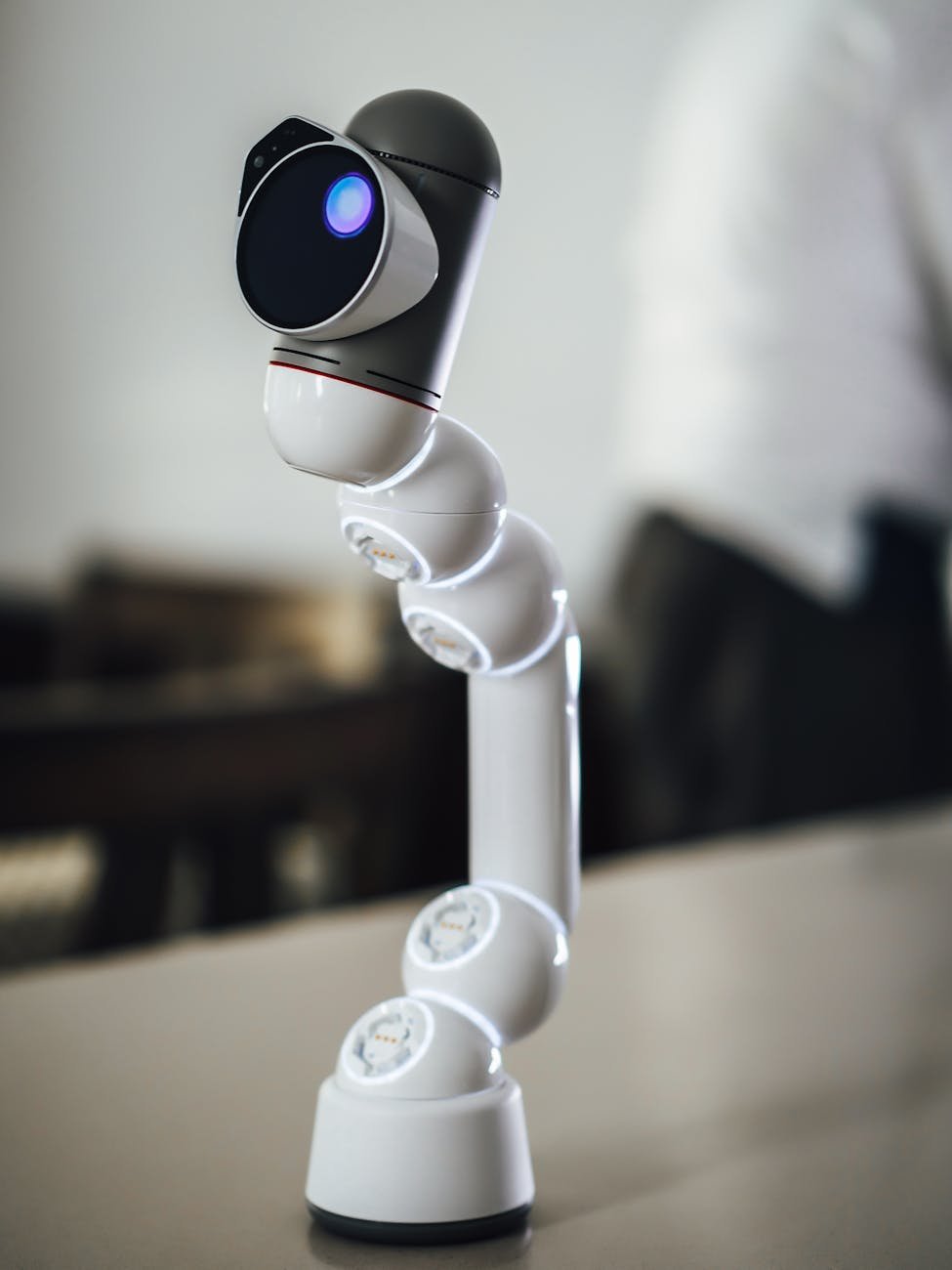
Upgrade your workspace with the best advanced office electronics for enhanced productivity and efficiency!
Ever feel like your workflow is held back by slow printers, fuzzy video calls, or cluttered cables? When I talk about the best advanced office electronics, I’m thinking of devices that blend speed, reliability, and cost-effectiveness to keep our days running smoothly. Trust me, I’ve been there—juggling client deadlines while my old printer sputters or my webcam glitches mid-presentation. That’s why I’ve rounded up the tools that transformed my workspace into a productivity powerhouse. Let’s explore these game-changers together.
I know how tempting it is to stick with that ancient all-in-one machine—after all, it still prints, right? But here’s the thing, modern multifunction devices can save hours each week by combining high-speed printing, duplex scanning, and network connectivity into one sleek package.
Look for duty cycles that match your workload. I once upgraded to a machine rated for 5,000 pages per month—and my team never hit a slowdown, even on busy project days.
Wi-Fi, Ethernet, USB-C and mobile printing support keep everyone linked without fuss. Some models even offer cloud integration and smartphone apps for on-the-fly scanning. If you want more in-depth opinions, our office equipment reviews roundup has hands-on insights.
| Model | Print speed | Scan speed | Best for | Approximate cost |
|---|---|---|---|---|
| HP LaserJet Pro MFP M428fdw | 40 ppm | 30 ipm | High-volume text | $450 |
| Canon imageCLASS MF644Cdw | 22 ppm | 21 ipm | Color documents | $500 |
| Epson EcoTank ET-5850 | 15 ppm | 25 ipm | Low-cost ink refills | $600 |
Let’s be honest, a bad webcam or tinny mic can derail even the best presentations. We’ve all tapped “Join meeting” only to freeze like a glitchy hologram. Upgrading your video call gear can boost confidence—and professionalism—in every discussion.
External USB or XLR mics deliver richer audio than built-in options. I started using a simple cardioid USB mic, and clients commented they could hear every detail clearly.
A ring light or panel positioned behind your monitor eliminates harsh shadows. Good lighting makes you appear sharp, engaged, and enthusiastic—trust me, it’s worth the small investment.
Staring at a grainy screen all day can zap energy and strain your eyes. When I switched to a high-resolution monitor, I noticed fewer headaches and faster multitasking—no more toggling between windows like a frantic DJ.
Height-adjustable arms or VESA mounts help reduce neck and back strain. I added a monitor arm to free up desk space and found my posture improved almost immediately.
Here’s a thought—your desk isn’t just a surface; it’s a hub. Smart gadgets can make simple tasks faster and keep clutter at bay.
Drop-and-go phone pads or multi-device stands mean no more fumbling with cables when your battery’s on empty.
A single USB-C dock can power your laptop, connect external monitors, and hook up Ethernet in one tidy module. When I switched to a USB-C hub, plugging in at the start of the day became a two-second move.
Cable trays, clips, and sleeves turn spaghetti-like cords into neat runs. Plus, fewer tangles mean fewer hardware hiccups—and that’s a win for maintaining focus.
If you’re curious about more essential office gadgets, our guide has extra ideas for streamlining your setup.
Upgrading gear is only half the battle. Keeping it running smoothly prevents surprises when deadlines loom or meetings start in five minutes.
Manufacturers roll out patches that boost performance, add features, and tighten security. I set reminders every quarter to check for updates on my printer, camera, and monitors.
Dust can clog vents, cause overheating, and degrade image quality. A soft brush or canned air keeps fans spinning freely. I aim to give my devices a quick wipe-down once a month.
Lockable stands, cable locks, or even a simple alarm can deter theft in shared offices. For large teams, you might explore office equipment maintenance plans that include both upkeep and security checks.
Upgrading to cutting-edge tech doesn’t have to be overwhelming or break the bank. By choosing multifunction printers, sharpening video calls, expanding your screen real estate, adding smart desk aids, and staying on top of maintenance, I’ve seen my productivity climb—and I know you can too.
Remember, we’re in this together. Start with one device upgrade that resonates most—maybe a new webcam for clearer virtual meetings, or that multifunction printer to breeze through paperwork. Then build from there. If you’re exploring larger scale solutions, our office technology solutions page can help you plan across your entire company.
Trust me, you’re not alone in wanting a more efficient workspace. With a few thoughtful investments in advanced office electronics, your days can run smoother, your work will look sharper, and you’ll have more time to focus on what really matters. You’ve got this—let’s make every minute count!




